I have a Spotify Car Thing sitting on the left side of my monitor. Spotify gave up on it at the end of 2024, but Bridgething brought it back to life with new software, a launcher, and room for whatever apps you want to throw on it.
Sitting there horizontal though…it just looked odd. A wide little slab off to the side of my desk, waiting for a car that was never coming.
Stand it up and it clicks. It takes up less room, it stays at eye level, and it stops feeling like a car accessory. It feels like a small phone.
One problem: the Car Thing has no idea it’s standing up.
What it does
Portrait is a Bridgething app that turns the Car Thing into a vertical now playing screen.
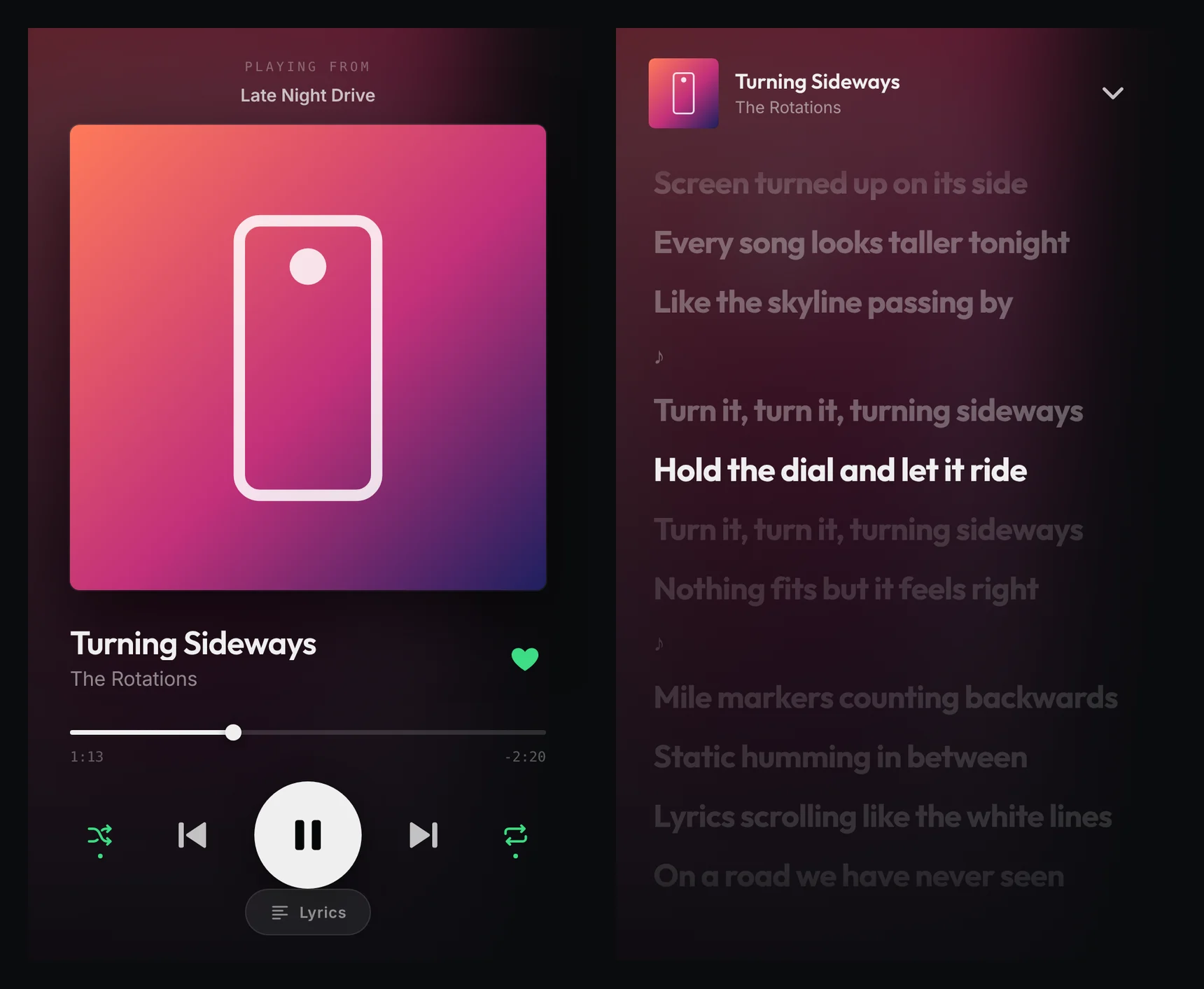 Now playing on the left, synced lyrics on the right (demo data, the band is made up)
- Big art, big buttons. Album art up top, then the song, a progress bar you can drag, and play, skip, shuffle, repeat and like.
- Lyrics that scroll with the song. Didn’t expect this to be my favorite part, but lyrics just look right tall. Tap any line and the song jumps there.
- The dial still works. Turn it for volume (or scrub, or skip, your pick). Press it to play or pause.
- Hold back to flip it. Dial at the top or dial at the bottom, whichever way you stood it up.
- Its own volume bar. The built-in one pops up sideways, so Portrait draws a tall one.
It plays whatever Bridgething is connected to. From my phone that’s Spotify or Apple Music. From the desktop app it’s anything playing on my computer, even YouTube in a browser.
The trick
The screen is 800 by 480, landscape, forever. Bridgething can’t rotate it.
So Portrait doesn’t ask. It builds a tall 480 by 800 page and turns the whole thing 90 degrees before it draws. The Car Thing thinks it’s showing a normal wide app. I see a phone.
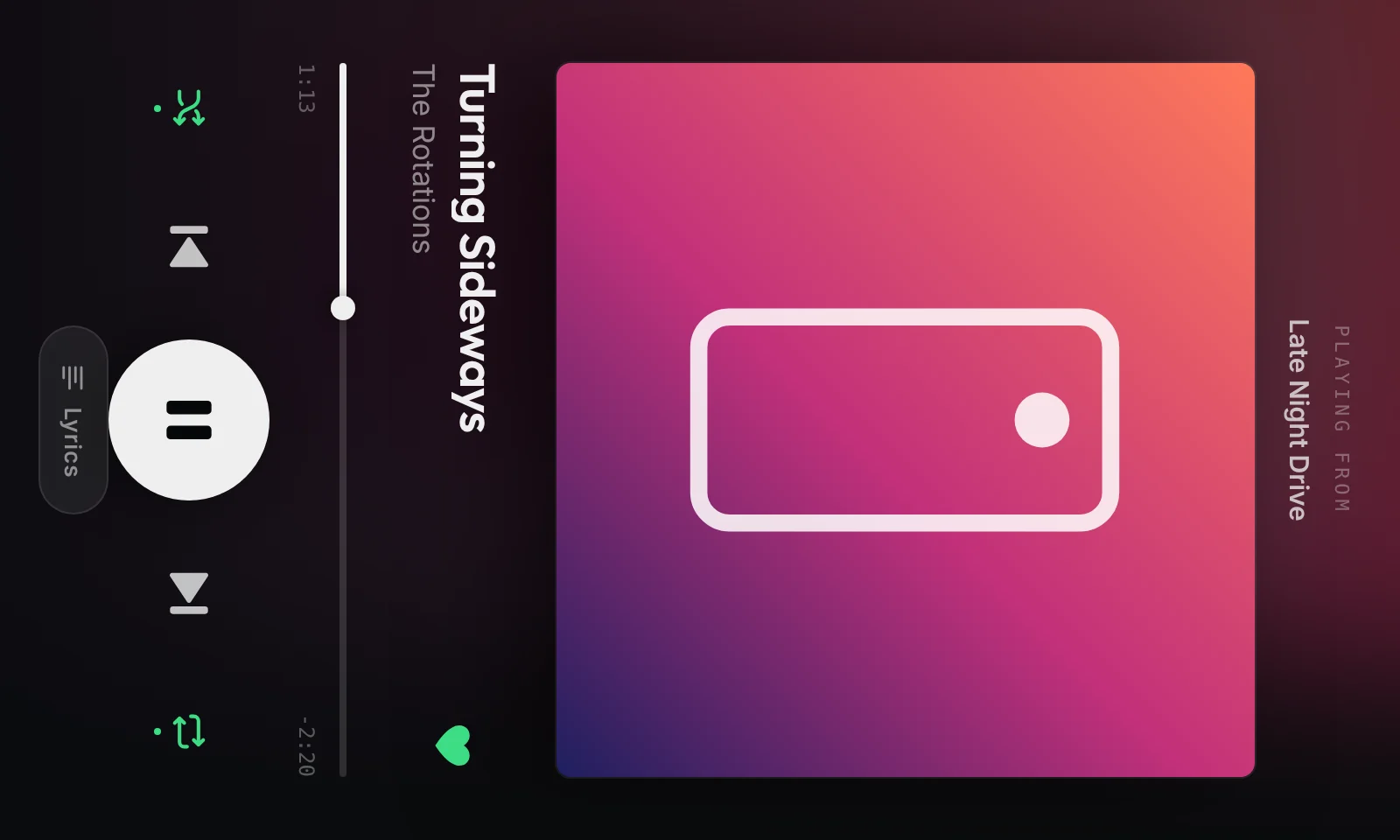 What the screen actually draws. Turn your head.
I figured touch would be the hard part: tap the screen, hit the wrong button. Nope. The browser handles the math through the turn, so a tap lands right where your finger is. We tested it by tapping a quarter of the way along the sideways progress bar on a 3:34 song, and it jumped to 0:53. Boom!
The icon
It needed a logo. I wanted it to feel vertical and easy, and to say the thing I love most about it: it plays whatever I’ve got going on my desktop. Spotify, YouTube in a browser, whatever.
So it’s the Car Thing standing up, dial up in the corner, a big play button and a little bit of sound.
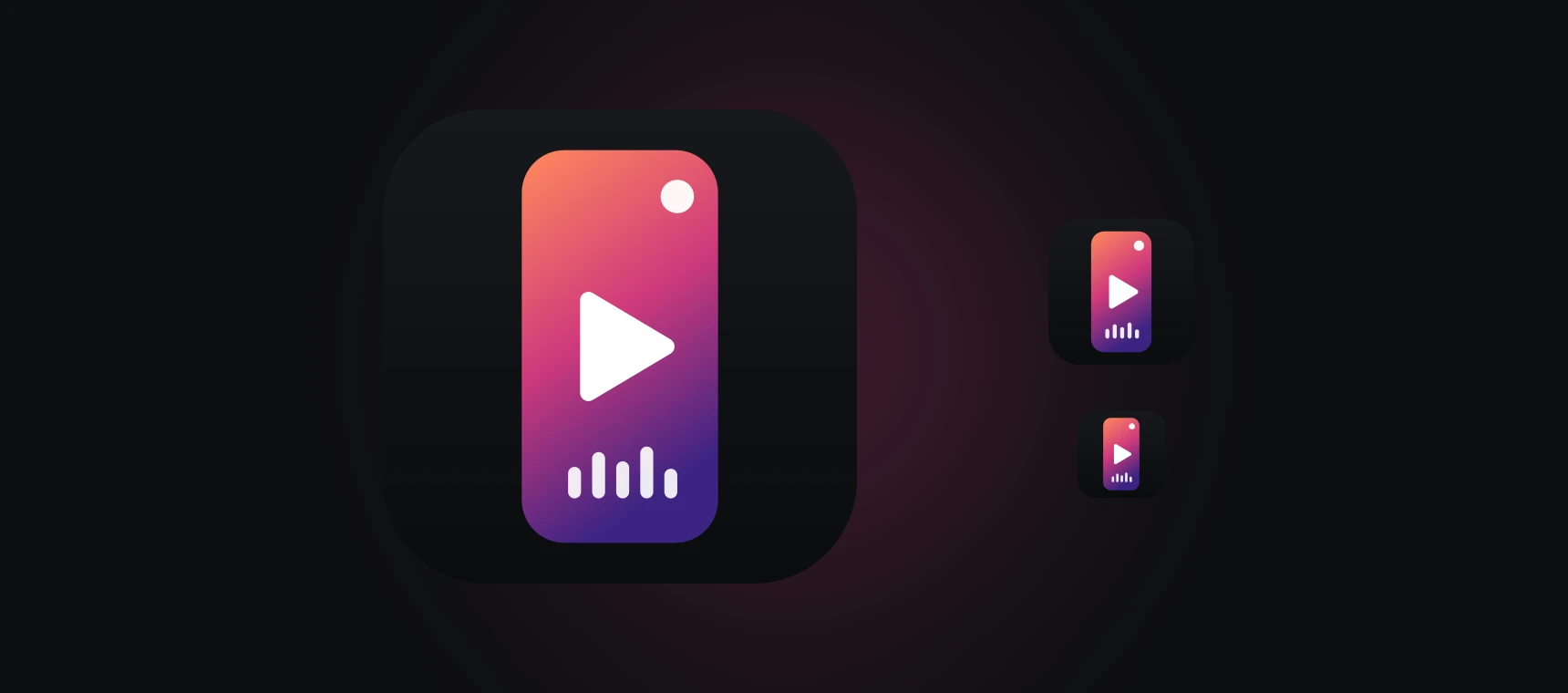 The Car Thing standing up, playing whatever’s on.
What I actually learned
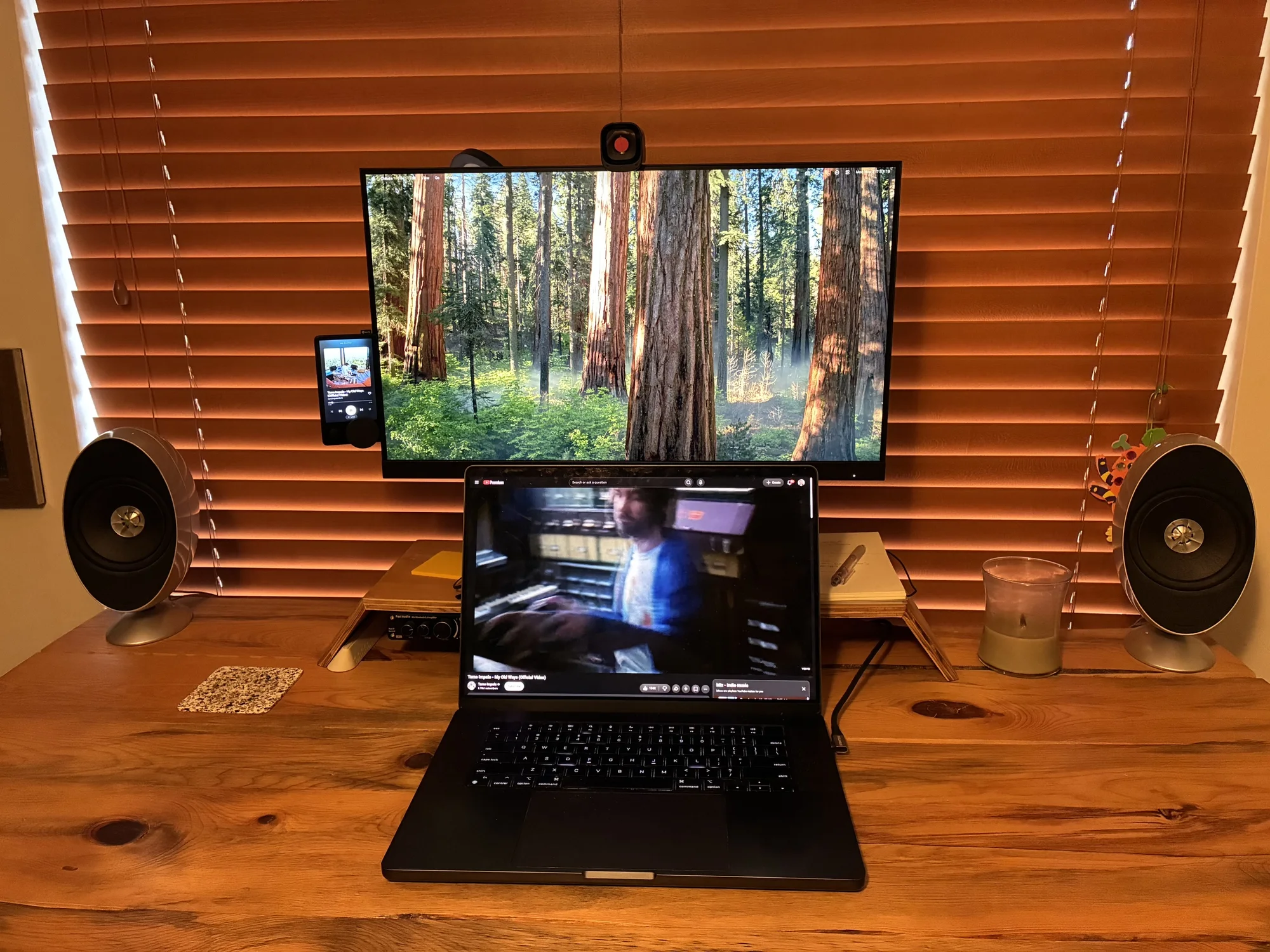 Portrait on my desk, showing Tame Impala playing from YouTube on the Mac.
Good docs make hardware feel like software. Bridgething ships a starter project with React, a dev server, and a script that pushes straight to the device over USB. Claude read through the docs and the source, and the first working version came together in a single evening. Most of the time went into the small stuff, like which way the dial should turn and where the volume bar should sit.
The constraint was the idea. “The screen can’t rotate” sounds like a dead end. It turned out to be the whole design: build it tall, turn it, done.
The little things that bug you are worth fixing. This was never a big problem. It just bugged the heck out of me every time I looked left. Those are my favorite things to fix.
What’s next
- A short looping video behind the album art, like Spotify’s Canvas clips
- A vertical home screen, so the whole Car Thing stands up and not just one app
- It’s not in the Bridgething store yet
A song about standing up and figuring out which way you’re facing. Felt right.
R.E.M. - “Stand”